





Transparent lucky draws, right on the big stage.
Prize-draw software for company parties, customer appreciation events, and award ceremonies. Import your list from Excel and get it on the LED screen in 3 minutes — every draw is logged and auditable after the event.
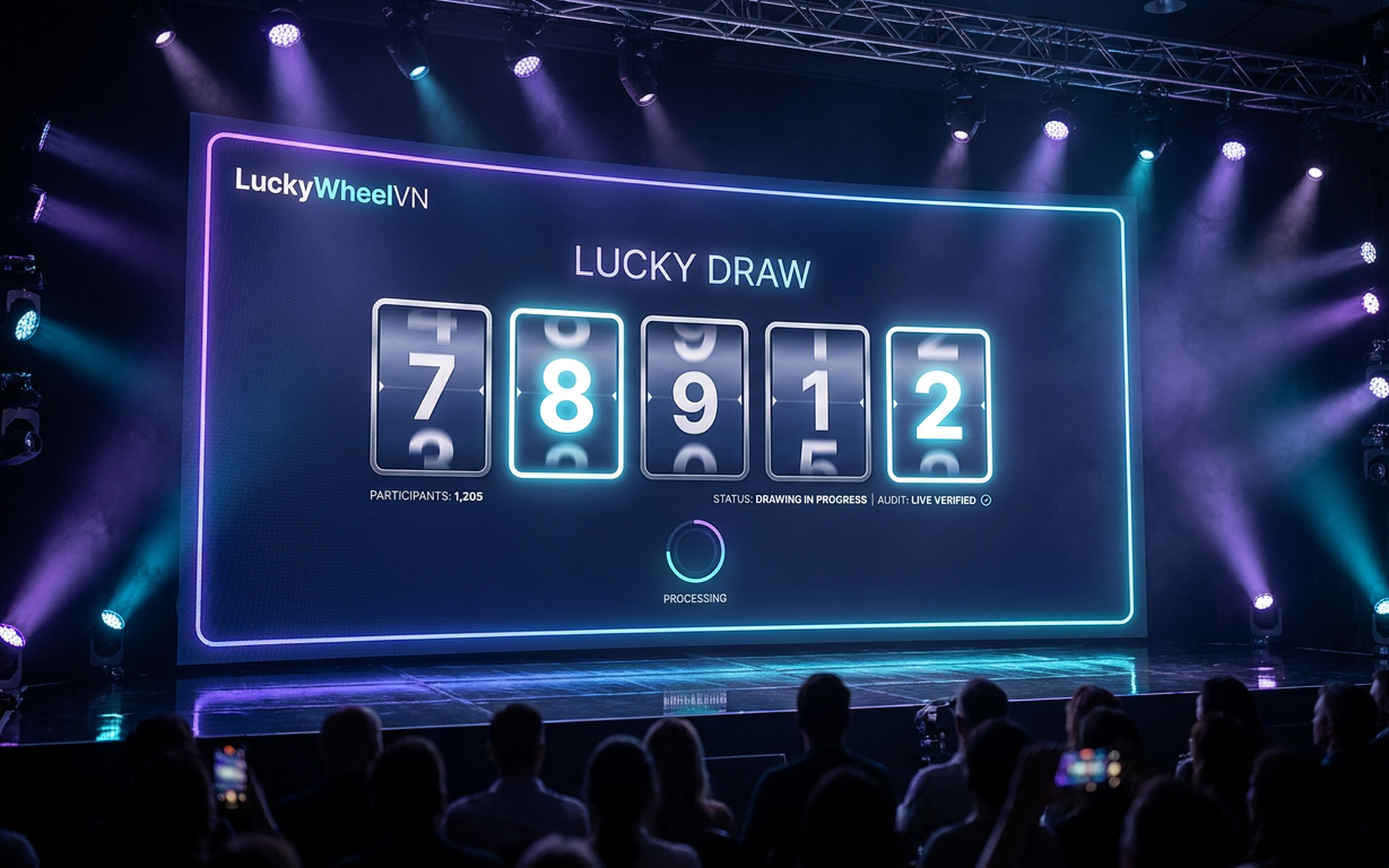
From internal parties to thousand-guest conferences.
One piece of software for every draw scenario — from 30 people in a meeting room to 10,000 in an arena.
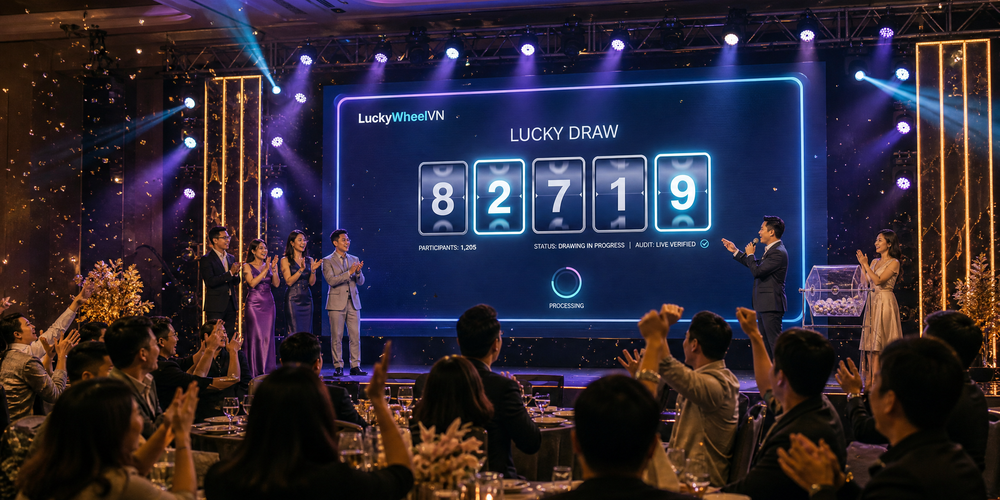
Year-end & annual parties
The most-awaited moment of the night — drawn live on the LED screen, with stage effects that build the excitement.
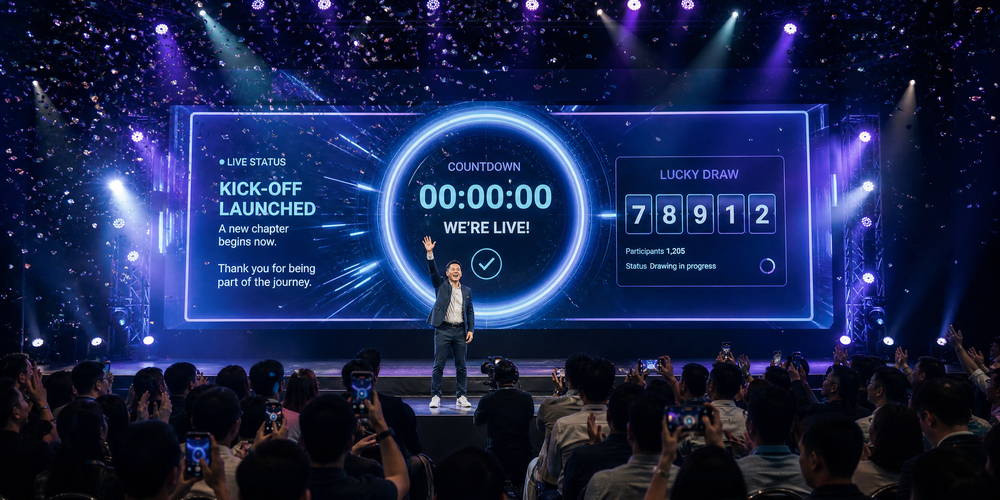
Kick-offs & grand openings
Open the new year or launch a product — a prize draw creates a highlight at the start of the program and energizes the room.
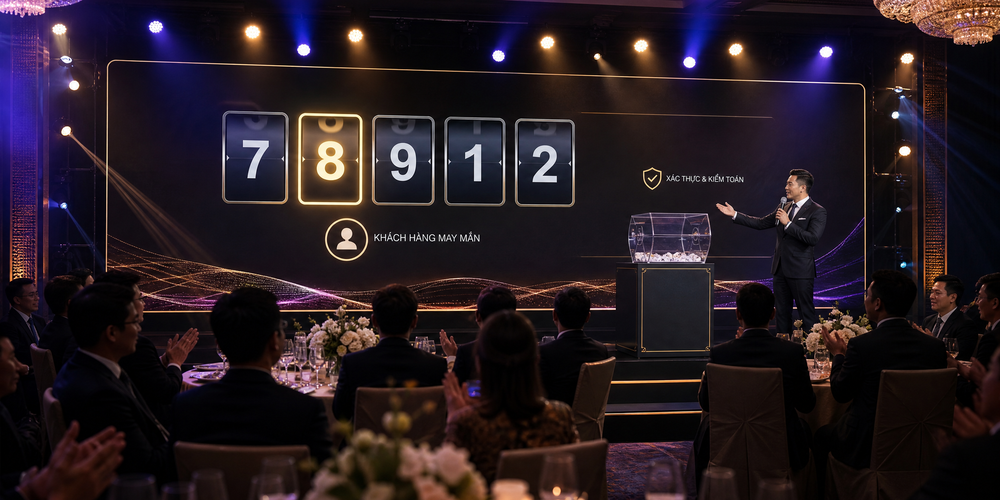
Appreciation & customer conferences
A draw for VIP guests — an experience elegant enough for your most important attendees.
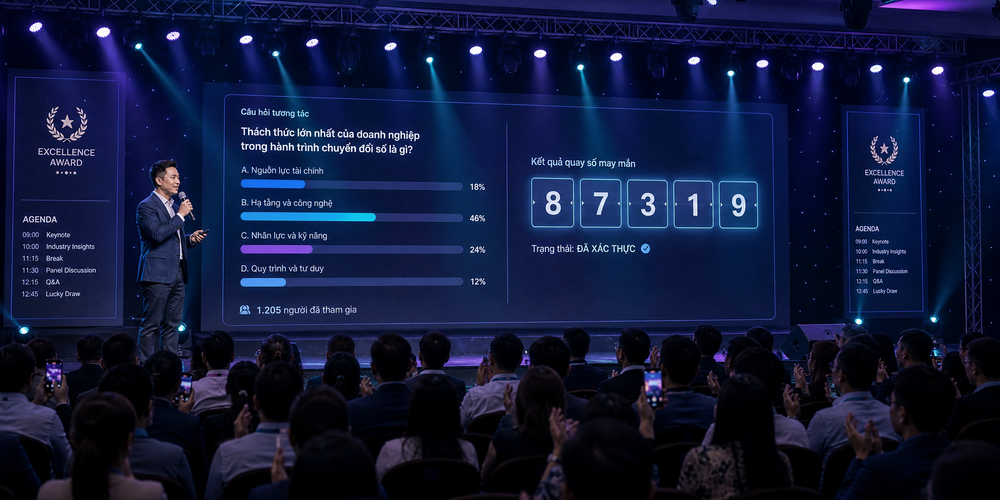
Conferences & award ceremonies
Draw prizes mid-program and at the close — keeps the room until the very last minute.
A different draw style for every event.
Draw by code, by name, or by avatar photo — one winner or many at once. You pick the scenario, the software handles the stage effects.
Draw by code
Employee ID, seat number, ticket code — a dramatic rolling-number effect before landing on the winner.
Draw by attendee name
Names appear directly on the big screen — the moment of being called out in front of the whole company.
Draw by profile photo
Attendees' faces spin on stage — more vivid and personal than any string of numbers.
Multiple winners at once
Draw 5, 10, or 50 prizes in a single round — saves time for large batches of gifts.
Professional stage effects
Lighting, motion, confetti on reveal — the grand prize gets its own effect to build the climax.
Multiple premium themes
7+ stage-ready interface templates — pick one to match your event, customized to your brand.
The stage up front. Control behind the scenes.
The software separates the display screen from the control screen — the audience only sees the best of it, while the operations team keeps full control backstage.
A dedicated stage screen
A welcome screen as guests arrive, a holding screen between segments, a full-screen results reveal — the stage always shows something polished, never the control panel.
Remote control
The operator triggers the draw from their own phone or laptop, while the LED screen only shows the result — the MC hosts freely, tech stays backstage.
Check-in tied to the draw
Guests scan a QR code to check in on arrival — only people actually present make it into the draw pool. No more prizes going to guests who already left.
Centralized management
Attendee lists, prizes, draw history, and reports all in one place — manage multiple events at once without the data mixing up.
Built for the corporate event stage.
Not a free online spinner — this is software trusted by 500+ businesses for the moments that can't afford to go wrong.
Start free, zero risk
Unlimited draws for events under 100 people. Try it at your next team-building day, then upgrade as your events grow.
Looks great on the LED screen instantly
Logo, colors, and background matched to your brand. No designer needed — a polished look in 3 minutes.
Flexible for any scenario
Run multiple rounds, exclude past winners, and adjust prizes mid-program at the MC's pace.
Transparent, fraud-free
Genuinely random results, with every draw logged. Export a full audit report right after the event.
No technician required
Laptop, projector, LED screen, or iPad — just open a browser. Runs smoothly even with thousands of participants.
A technical team on standby during your event
Chat and phone support throughout the program — under 2-minute response time.
Three steps. No technician required.
Emcees and admin staff alike can run it themselves — most customers finish setup on their very first try.
Build the attendee list
Import from Excel in one click, paste, or type directly. Supports codes, names, phone numbers, and QR codes.
Set up prizes and the interface
Pick a theme, upload your logo, match your brand colors. Set the number and names of prizes — preview updates as you edit.
Draw on the big screen
Hit Draw — a rolling-number effect, then the result fills the screen with confetti. History saves automatically; export a PDF/Excel report.
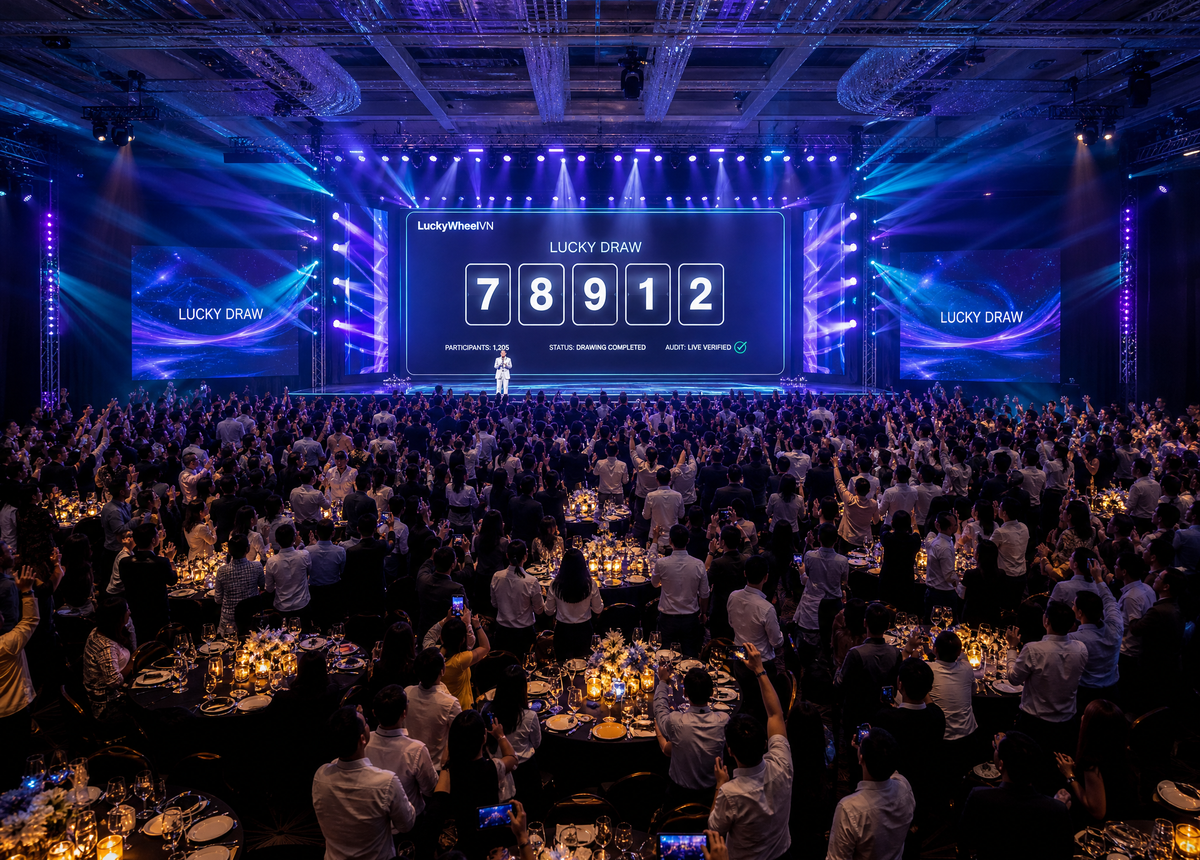
A 1,200-employee year-end party — zero complaints about the results.
A tech company with 1,200 staff needed a fair prize draw in front of the entire company. The list was imported from Excel, drawn across multiple rounds excluding past winners, with results projected straight onto the stage LED screen.
Start free. Pay as your events grow.
Free forever for events under 100 people, no card required. Larger events pay per plan, no long-term contract — see full plan details on the main pricing page.
Before you decide.
No. The software runs directly in the browser — laptop, projector, LED screen, or iPad all work. Open the link and it runs; the emcee can operate it themselves.
Your next event, ready in 3 minutes.
Open the app, import your list, and try a draw right now — free for events under 100 people, no card required.