








Detailed guidesfrom A to Z
Create a wheel, customize the design, manage participants and run your program in just minutes.
Featured guides
The key guides that help you create a wheel and run your program successfully.
 03:45
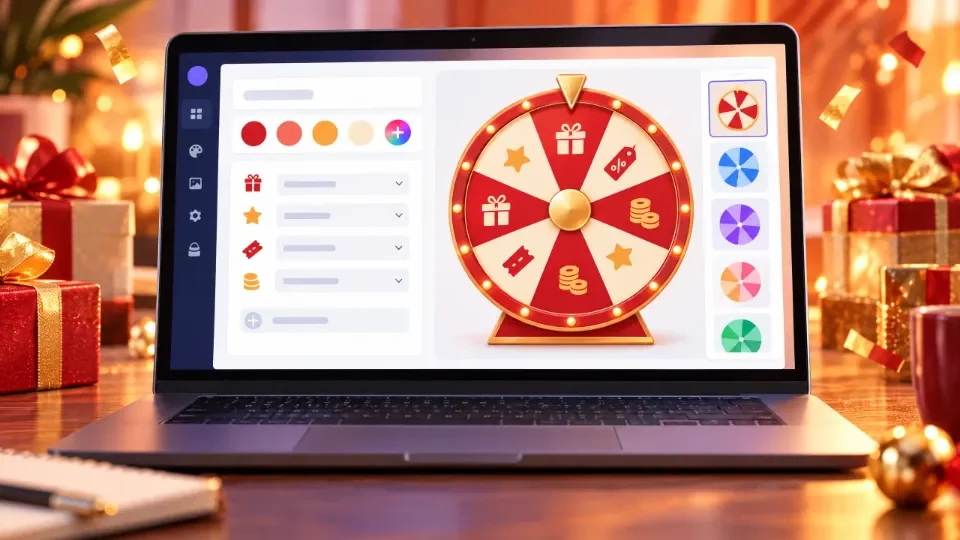
03:451. Create your first wheel
A step-by-step guide to creating a lucky wheel for your event.
 05:20
05:202. Customize your wheel design
Change the logo, colors and imagery to match your brand.
 04:18
04:183. Run the wheel on an LED screen
Connect and display the wheel on a big screen during your event.
Get started in 4 simple steps
Create and run a prize wheel program in just minutes.
- 01
Create a wheel
Pick a template or start from scratch.
- 02
Customize the design
Add your logo, colors, imagery and prizes.
- 03
Add participants
Import a list or let participants sign up themselves.
- 04
Run the program
Show it on a big screen and start spinning.
Guides by topic
Quick start
Create your first wheel, made for newcomers.
Create & customize
Design a wheel that matches your brand.
Event management
Set up timing, spins and display.
Display & presenting
Run on a big screen (LED/TV).
Participants
Import lists, registration and participant management.
Results & reports
Save results and export data.
Tips & tricks
Get the most out of your event.
FAQ
Answers to common questions.
Frequently asked questions
The questions customers ask us most.
Do I need to install any software?
No. LuckyWheel runs in the browser; you only need a computer with an internet connection.
Is there a limit on participants?
It depends on your plan. See each plan's limits on the Pricing page.
Can it run on an LED screen?
Yes. The wheel displays full screen, suited to LED walls, TVs or projectors.
Do I get support after purchase?
Yes. The LuckyWheel team supports you via Zalo and hotline before, during and after your program.
Can I customize the logo and colors?
Yes. Change the logo, colors, background and sound right in the editor.
Can I export the results list?
Yes. The winner list is saved and can be exported to a file after the program.
Create the wheel for your eventtoday!
Just a few minutes to a professional, impressive prize draw.