






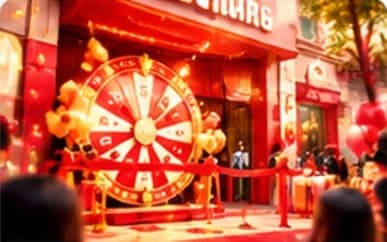

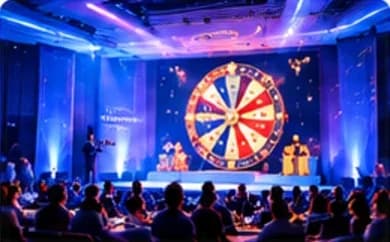
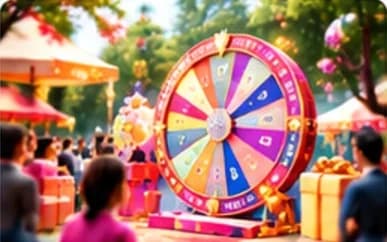
A lucky wheelfor internal events
From team building to company anniversaries — a transparent draw that gives every employee a fair chance.
- Fits every type of event
- Fast to launch
- Branded to your look
- Dedicated support
Bring your team together with fun moments
Import your staff list, split prizes by department or branch and draw in front of the whole company.

Team building
mini games

Reward
KPI winners

Company
anniversary

Employee
gifts

End-of-period
awards
Try the wheel Internal event
Hit SPIN to see an employee prize draw with lively effects.





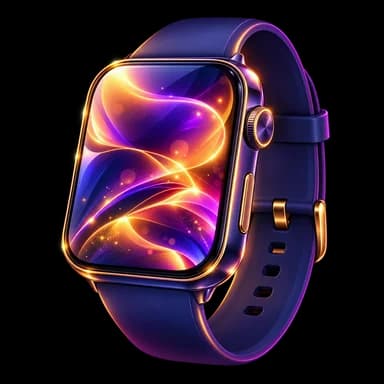



Prize list
- Cash bonus
- Laptop
- Smartwatch
- Headphones
- 500K voucher
- Special prize
Fresh and true to your culture
Use your logo and brand colors so the wheel feels part of the program.





Everything you need for internal events
Launch fast
Build a wheel in minutes.
Fully on-brand
Flexible logo, colors and imagery.
Built for big screens
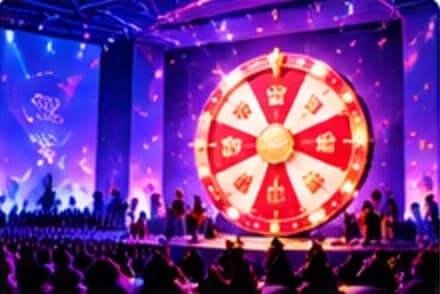
Works on stages, LED walls and TVs.
Manage participants
Keep full control of the guest list.
Save results & export data
Transparent and convenient after the event.
Dedicated support
With you before, during and after the program.
Internal events that used LuckyWheel
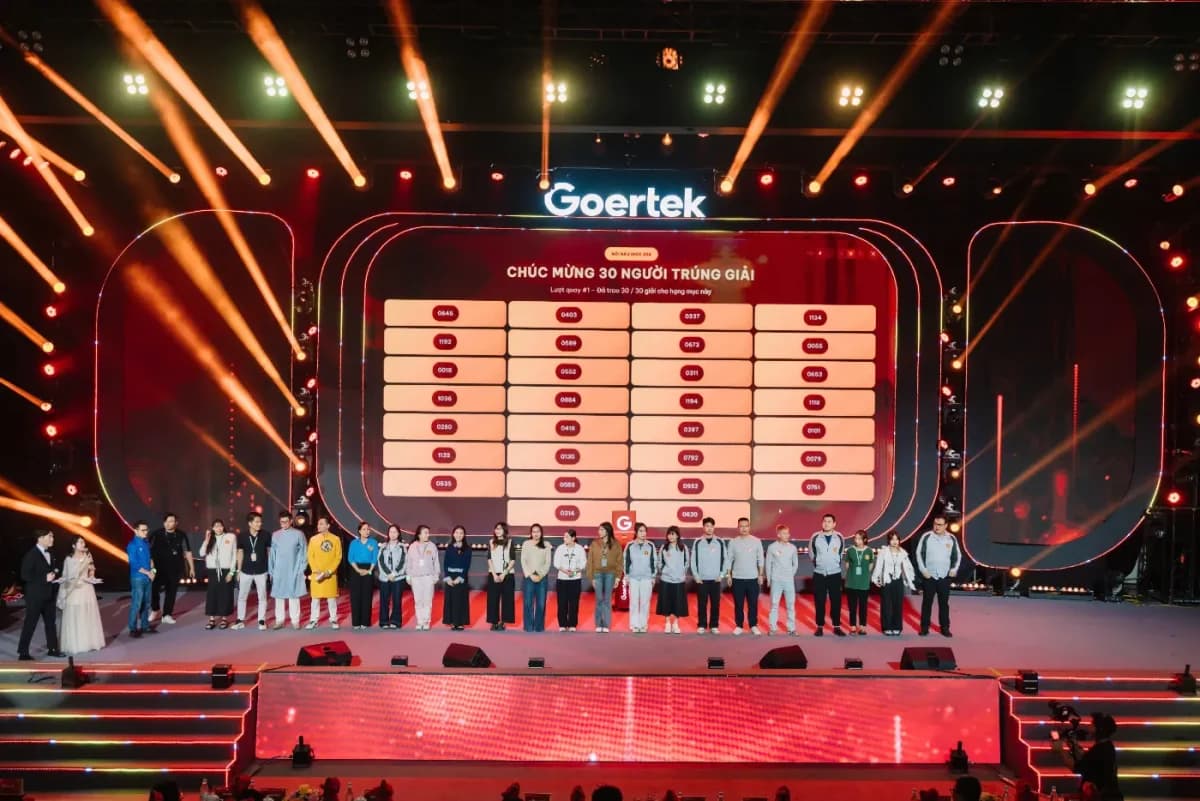
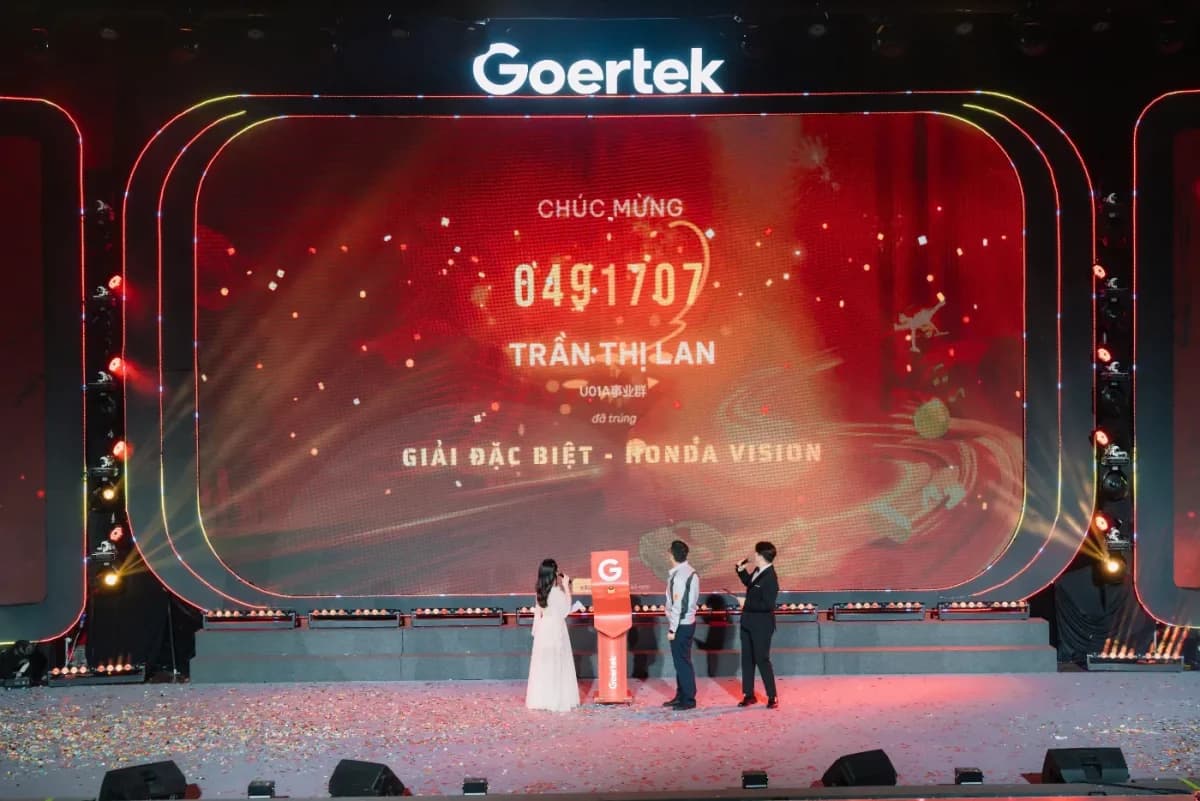
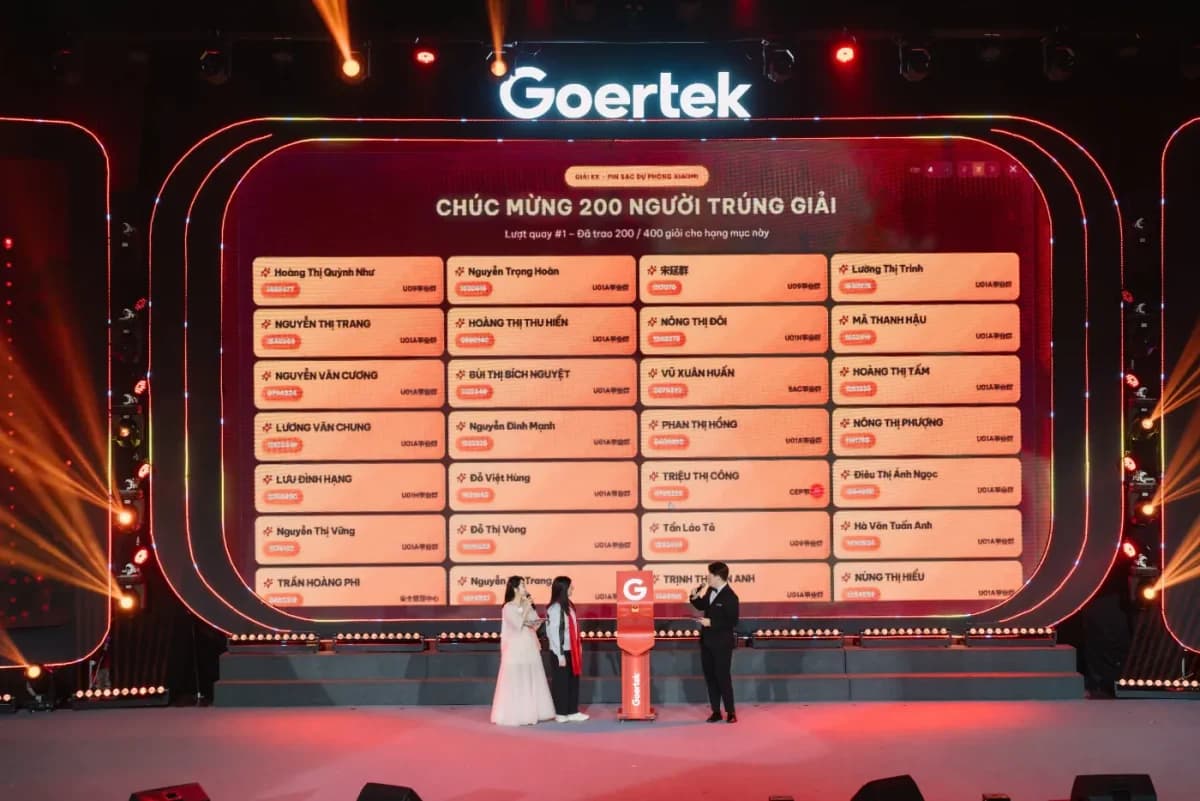
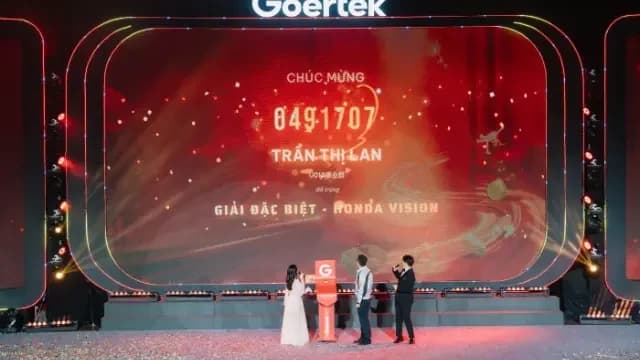
Trusted by many businesses
Very easy to use, with a beautiful interface that fits our event perfectly. Our guests loved it!
Marketing TeamD'Care Skin Medical
Common questions
Can it be shown on an LED screen?
Yes. The wheel runs full screen and scales to LED walls, TVs or projectors on stage.
Can I add prizes and set their odds myself?
Yes. Add prizes, set quantities and the win rate of each prize right in the admin dashboard.
Can I customize the wheel to match our brand?
Yes. Swap the logo, colors, background and wheel text to match your campaign identity.
Do I need to install any software?
No. The wheel runs in the browser — on phones, laptops, TVs or LED screens.
Is there a limit on participants?
It depends on your plan. See participant and campaign limits for each plan on the Pricing page.
Can I export the winner list after the program?
Yes. Every participant and winner is saved, and you can export them to Excel at any time.
Create a wheel foryour team today
In just a few minutes, get a fair and fun prize draw for every employee.